1. Enter
Connect your wallet and sign
First connect your wallet. Then click Sign in to create a secure session in the app. That signature is not a purchase and does not spend funds.
Help
This guide explains the user experience: how to get in, how to buy, what happens after a purchase, and how to understand the wall without needing every technical detail of the contract.
Download the wallet
If you are new to crypto, start with the official Base or Coinbase Wallet download flow. These links come from Coinbase's official download pages and app listings.
1. Enter
First connect your wallet. Then click Sign in to create a secure session in the app. That signature is not a purchase and does not spend funds.
2. Explore
Each block shows owner, current price, history, content, and activity. The demo includes a seeded visual history and real on-chain ownership so you can evaluate the product before making a purchase.
3. Buy
The purchase is signed in your wallet and sent to the network. When confirmed, the contract updates ownership, the next price, and the economic split according to the project rules.
Step-by-step guide
Download Coinbase Wallet on your phone, or use the Base Account option from the wallet modal on this site. For new users, Base Account is the simplest path because it is designed for the Base ecosystem.
Follow Coinbase's setup flow, create your wallet, and save your recovery phrase or security backup exactly as instructed by Coinbase. Never share it with anyone, and never paste it into any website.
Inside Coinbase or Coinbase Wallet, use the buy or add funds flow. Link your bank account or card and choose the amount you want to add. Your goal is to have enough money for the block price plus a small safety margin.
When the app asks what asset you want, choose USDC. If it asks for a network, choose Base. Million Crypto Wall settles purchases in USDC, so that is the balance you need for the block itself.
Go back to this website, press Connect Wallet, and choose Base Account or Coinbase Wallet. If the wallet asks for permission to connect, approve it.
Press Sign in after connecting. This creates your secure app session. It is only a signature to log you in. It is not a purchase and it does not move funds.
Check the current price, the next price, what the seller receives, and what the platform receives. Make sure your USDC balance is high enough before you continue.
Press Buy. Your wallet will open. Depending on the wallet, it may ask you to approve USDC first and then confirm the purchase, or it may combine everything into a sponsored flow. Approve the prompts and wait for the on-chain confirmation.
After confirmation, the block owner changes on-chain. The page refreshes automatically so you can see the new owner, the updated price, and the purchase in the history.
Once you own the block, go to Dashboard. From there you can upload your image, change the content, and personalize how your block appears on the wall.
Screenshots
These screenshots come from the official Base and Coinbase Wallet mobile listings and show the kind of app experience a new user will see before coming back to Million Crypto Wall to buy a block.
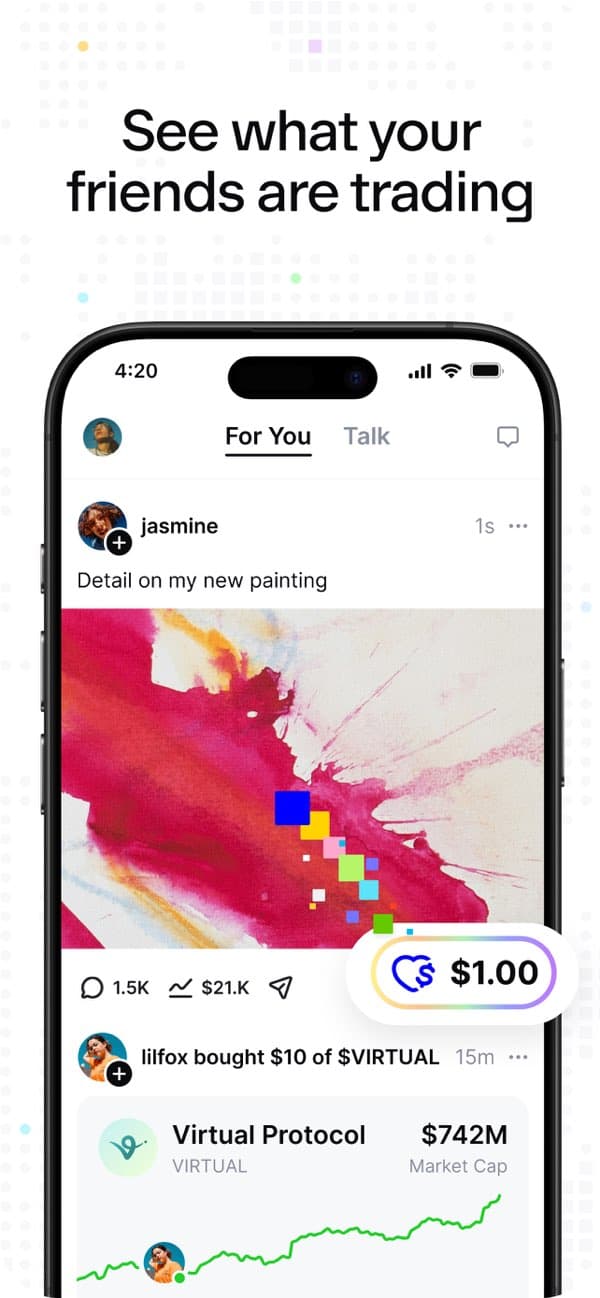
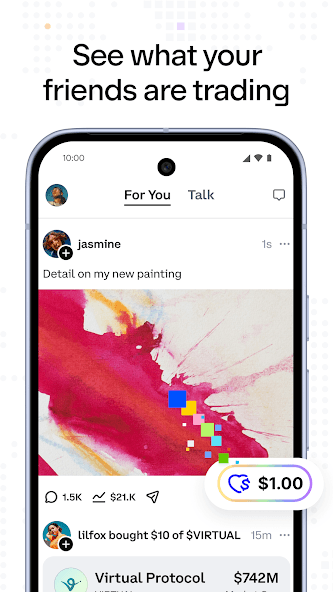
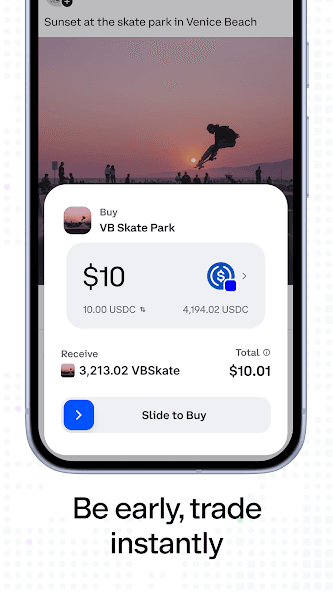
Purchase flow
User rules
The project uses USD as the canonical reference. In the product experience you will see the economic progression in dollars, although the real transaction settles in USDC.
Each valid purchase doubles the block price. If a block is bought at a 10 USD reference price, the next reference price becomes 20 USD, then 40 USD, 80 USD, and so on.
Signed login identifies you in the app, protects your profile, and allows content editing when you are the owner. Signing in does not transfer funds.
Content lives off-chain. This makes it possible to edit, moderate, and hide material that breaks rules without altering the economic ownership recorded on-chain.
FAQ
You need an EVM-compatible wallet on Base, enough ETH for gas, enough USDC for the purchase, and a signed login to unlock your dashboard and user actions.
No. The canonical product price is calculated in USD for the user experience, but the real transaction is settled in USDC on the configured network.
Not always. The app can support sponsored gas for compatible Base Account wallets when the platform paymaster is enabled. If your wallet does not support sponsored gas, you still need ETH on Base for network fees.
The currency selector only changes how amounts are displayed. The project's base reference is USD and the on-chain purchase uses USDC, while gas is still paid in ETH.
Yes. The current owner can update the block's visual content from the app: title, text, image, and the message about what they will do with the money if they sell.
Ownership changes on-chain, the next price doubles, and the app syncs the event to reflect the new owner, the operation, and the history.
The admin panel is used for app supervision and moderation. It does not change on-chain ownership or manually alter the contract's economic history.